Five modules of one setup
Warehouse, purchasing, production, planning and maintenance: each module is sold separately and enabled in Mode 1 or Mode 2. Below are all features by module and the mechanisms shared across the setup.
What do the modes mean?
The mode sets the depth of accounting within a module. It is enabled on each module separately, so you do not pay for complexity you do not need.
Basic accounting: items, warehouses, average cost, simple reservation and a flat product structure. Enough for a trading company and small assembly.
Full accounting: batches and shelf life, bin locations and barcodes, multilevel bills of materials, processing stages and cost with labor and overheads.

Warehouse
Tracking of inventory on hand and its movement. The foundation of the cluster: purchasing, production and planning rely on it.
All about the moduleStock documents
Receipt, issue, transfer, write-off and nine more kinds on one posting mechanism.
Learn moreInventory count without stopping work
A count by warehouse, zone, group or cell while the warehouse keeps receiving and shipping.
Learn moreReservations for orders and production
A committed quantity with a source and an expiry date, so it does not sit reserved forever.
Learn more- Mode 2
Bin locations and cells
The warehouse as a map: zone, row, rack, level and cell with putaway rules.
Learn more - Mode 2
Batches, serial numbers and shelf life
Every batch with a shelf life, every serial number with its movement history.
Learn more - Mode 2
Mobile terminal that works offline
A phone with a camera instead of an expensive handheld terminal, receiving and counting even offline.
Learn more - Mode 2
Product marking
Marking codes on serial numbers and exchange with the national system through a provider.
Learn more Transfers between legal entities
A group of companies transfers goods between legal entities without double entry.
Learn more
Work on the shop floor and at receipt
Warehouse operations are performed on a data collection terminal instead of being entered into the system from paper in the evening. If the connection drops, work continues.
- Receipt, picking, transfer and inventory count with scanning
- Offline mode with an operation queue and sync when the connection returns
- A phone with a camera, budget Android devices and dedicated handheld terminals
- Large controls, minimal keyboard input


Purchasing
The link between requirements and the warehouse: purchase order, deadline control and receipt with discrepancies.
All about the modulePurchase orders
An order with statuses, approval and delivery date control.
Learn moreReceipt with discrepancies
A discrepancy becomes a decision and a claim, not a backdated quantity edit.
Learn more- Mode 2
Supplier prices
Who is cheaper and faster: comparing offers for a single item.
Learn more - Mode 2
Additional costs
Delivery and duties go into cost, not into other expenses.
Learn more
Production
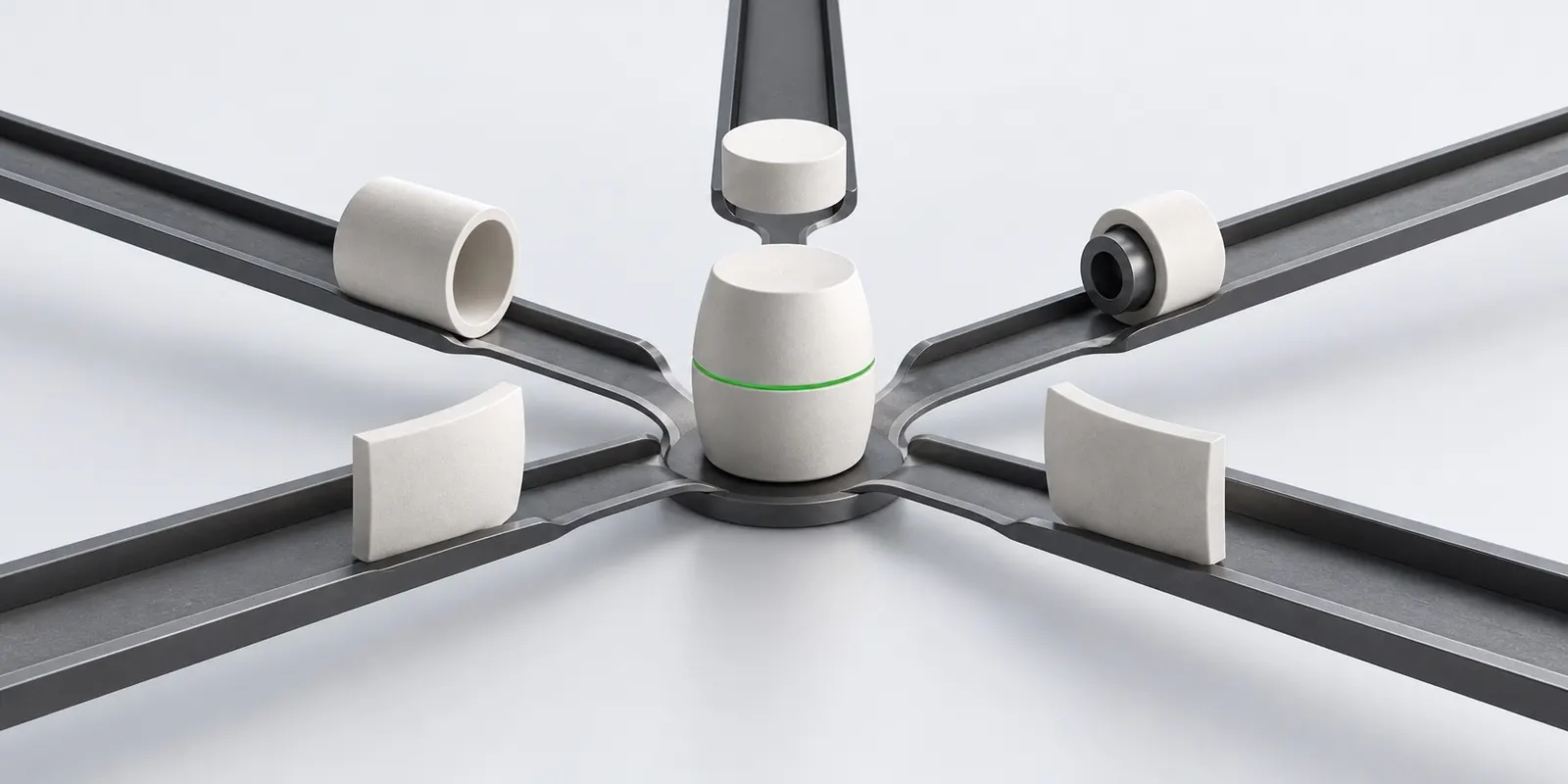
Bill of materials, production order, output and cost. The owner of the production cost calculation.
All about the moduleBills of materials
A product structure with versions: an approved one is not edited, an edit creates a new one.
Learn more- Mode 2
Routing cards and work centers
How a product moves through the shop: operations, machines, time and rates.
Learn more Production orders
Shortages are visible before start, and a material is substituted right in the production order.
Learn moreOutput and defects
How much is good, how much is defective, who is at fault and what to do with it.
Learn morePlanned and actual cost
Actual cost by cost item and an honest deviation from plan.
Learn more

Planning
Production plan, reorder point and calculation of material and capacity requirements.
All about the moduleReorder point
Simple planning: the balance falls below the point, and the system suggests an order.
Learn more- Mode 2
MRP requirements planning
What to buy and produce, and when, to meet the deadline.
Learn more - Mode 2
CRP capacity load
Where the bottleneck is and where to move work before a deadline is missed.
Learn more
Maintenance
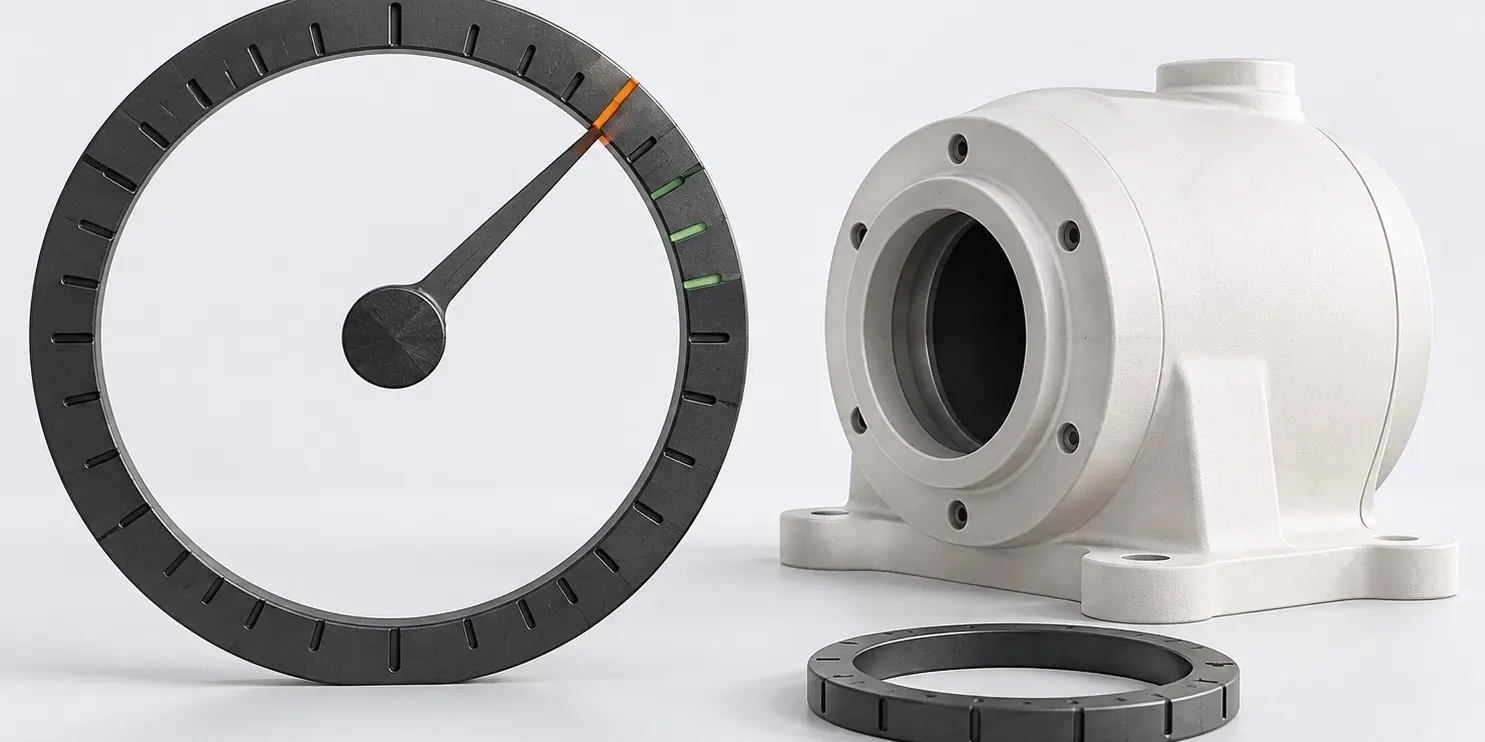
Equipment, maintenance schedules, maintenance requests and the impact of downtime on the plan.
All about the moduleEquipment tracking
A technical card of a machine, linked to the shop floor and to accounting.
Learn morePreventive maintenance schedules
Maintenance by calendar or operating time, not after a breakdown.
Learn moreMaintenance requests and works
From a request to a closed work with spare parts and downtime.
Learn more
Shared by all modules
Reports, permissions, period close, printing and notifications work the same way in all modules. These are rules of the setup itself, not settings of each document.
Reports and overview
Twenty-nine reports and an overview that shows where things are urgent.
Learn moreRoles, permissions and approvals
The storekeeper posts, the manager approves, the viewer only looks.
Learn morePeriod close and audit log
Nobody quietly edits a closed month, and every change is visible with its author.
Learn morePrint forms by country
Waybills, acts and labels using templates for the organization’s country.
Learn moreNotifications
Minimum stock, overdue delivery, shortage: find out before it is too late.
Learn moreQuick start and import
Demo data in a minute and catalogs from a file instead of manual entry.
Learn more
Build your own setup
The warehouse works on its own, the rest connects as you grow. We will show on your data which modules cover the task.