Production and warehouse in one system
The warehouse, procurement and the shop floor see the same number: balance, reservation and cost are calculated from the same movements. Start with the warehouse and add production, planning and maintenance as you grow.
- A browser and a phone camera instead of expensive handheld terminals
- Demo data and catalog import on day one
- Documents go to 1C or A3.Accounting
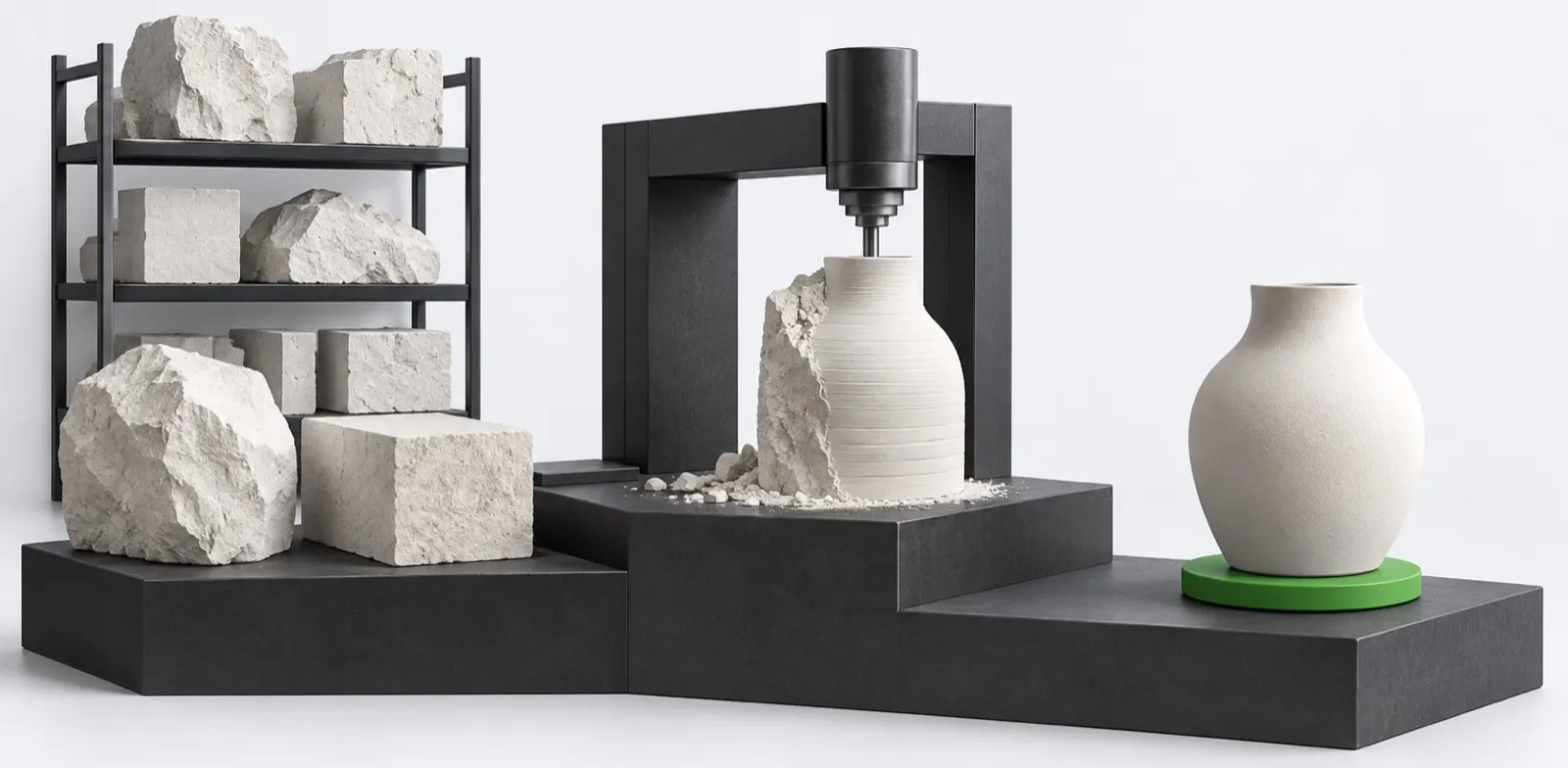
One product, five units of sale
Everyone sees their own work
One database for management, procurement, the warehouse and the shop floor. Each role has its own permissions, its own notifications and its own screen to start the day.
For management
An overview with inventory value, turnover, work in progress and overdue items. Cost by cost item and deviation from plan.
Reports and overviewFor procurement
Requirements planning turns the plan into recommendations, and recommendations into purchase orders in one batch.
MRP requirements planningFor the warehouse
Receipt and counting with phone scanning, even where the network drops.
Mobile terminal that works offlineFor production
The production order shows shortages before start, and output and defects are recorded with the performer and the reason.
Production orders
Cluster modules
The warehouse works on its own, the other modules connect to it. Adding a module requires no migration: only the visibility of features changes.
 Works on its own
Warehouse
Tracking of inventory on hand and its movement. The foundation of the cluster: purchasing, production and planning rely on it.
 Requires module: Warehouse
Purchasing
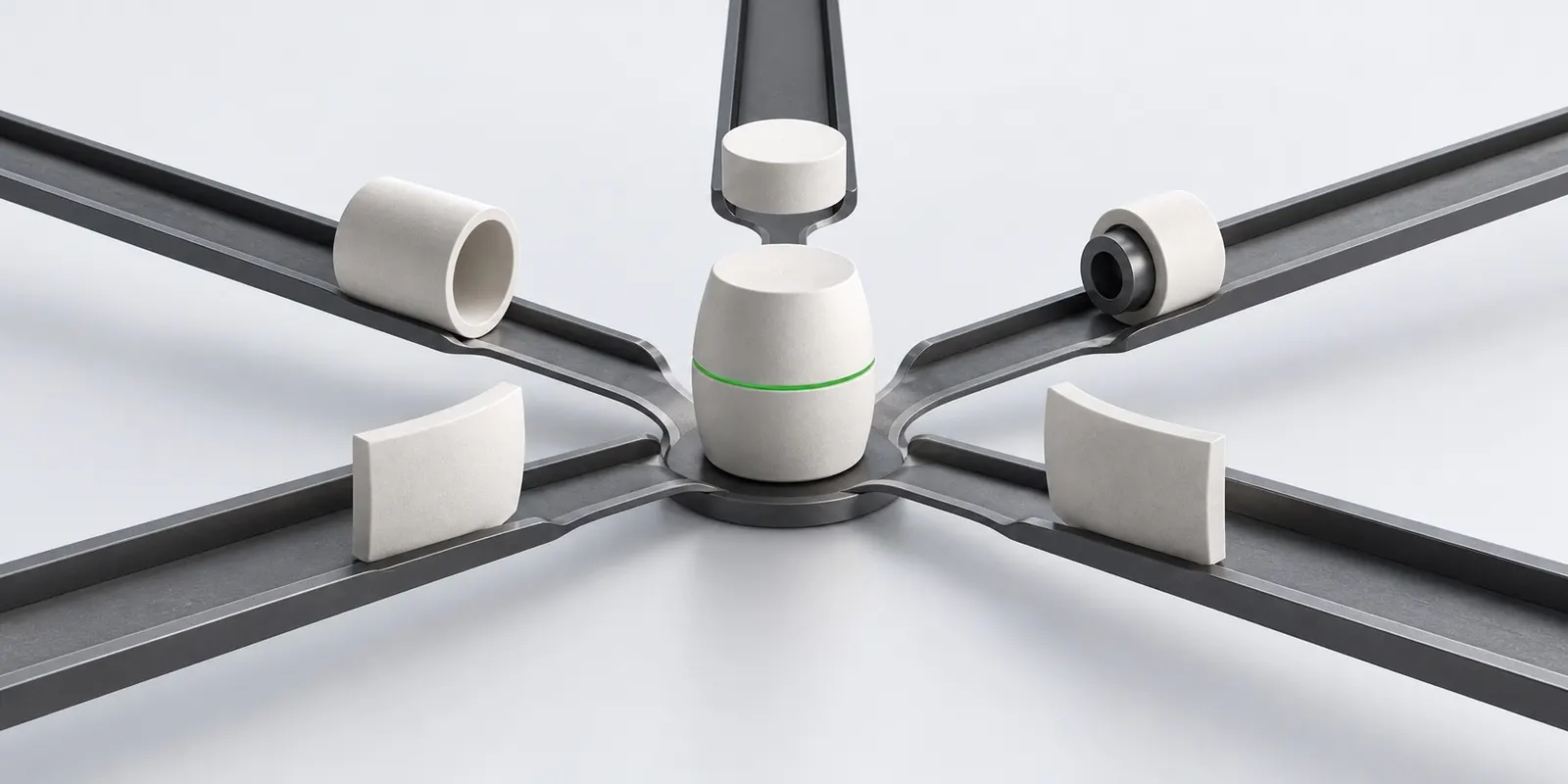
The link between requirements and the warehouse: purchase order, deadline control and receipt with discrepancies.
 Requires module: Warehouse
Production
Bill of materials, production order, output and cost. The owner of the production cost calculation.
 Requires module: Production
Planning
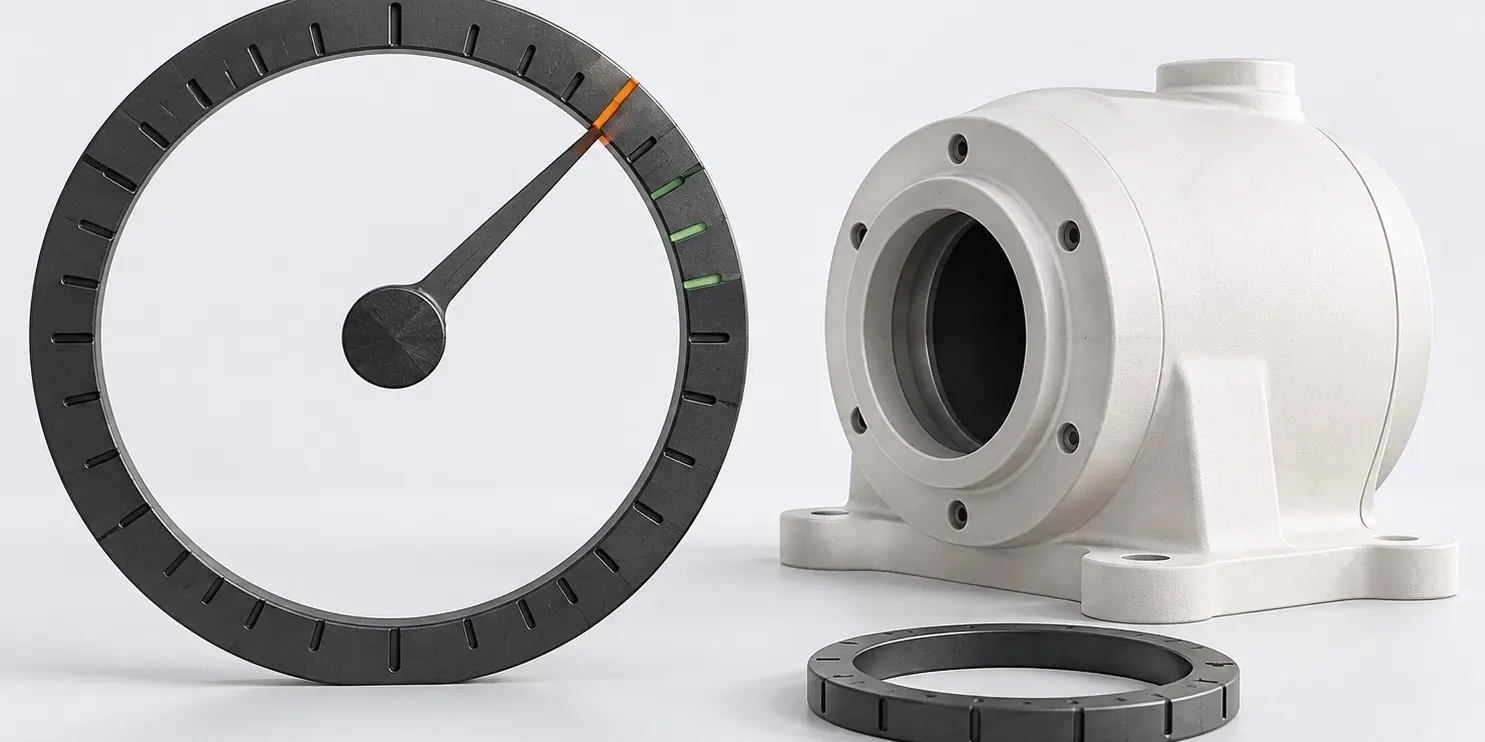
Production plan, reorder point and calculation of material and capacity requirements.
 Works on its own
Maintenance
Equipment, maintenance schedules, maintenance requests and the impact of downtime on the plan.
From requirement to output

Requirement
Planning collects demand from customer orders, the plan and safety stock, explodes bills of materials down to purchased raw materials and shifts dates by the cycle time.
Purchase
The buyer confirms the recommendation, places a purchase order and sees the delivery date. A receipt is also allowed without an order.
Receipt
A discrepancy is recorded with a decision: accept, reject or accept for safekeeping. The quantity in the order is not overwritten.
Output
The production order reserves materials, output is posted at planned cost, and actual cost is calculated when the period is closed.
What sets it apart from spreadsheets
Not a set of catalogs but a connected loop: every action in the warehouse immediately changes requirements, the plan and cost.
- Recommendations instead of spreadsheetsMRP explodes bills of materials down to raw materials and creates purchase orders and production orders in batches.
- Bottlenecks in advanceCRP shows machine overload with repairs taken into account and suggests where to move the work.
- Actual costMaterials, labor, machine hours, overheads and defects by cost item, with the deviation split between stock and goods sold.
- Twenty-nine reportsABC and XYZ, slow-moving items, work in progress, capacity load, supplier rating, export to Excel.
- Notifications that matterMinimum stock, overdue delivery, production order shortage and scheduled maintenance in the app, by email and in Telegram.
- Approvals by limitsA large write-off, order or receipt discrepancy does not go through without approval by the person in charge.
A balance cannot be edited
The source of truth in the cluster is an immutable journal of movements. Balances are calculated from it, so the question “why is the stock negative” can always be traced to a specific document.
- A movement is written once and never changes after that
- Cancelling a posting writes a reversal that references the original movement
- Balances are recalculated from movements for any period
- Each movement stores the source document, the author and the time
- A balance changes only in a transaction that writes a movement
Two modes instead of two products
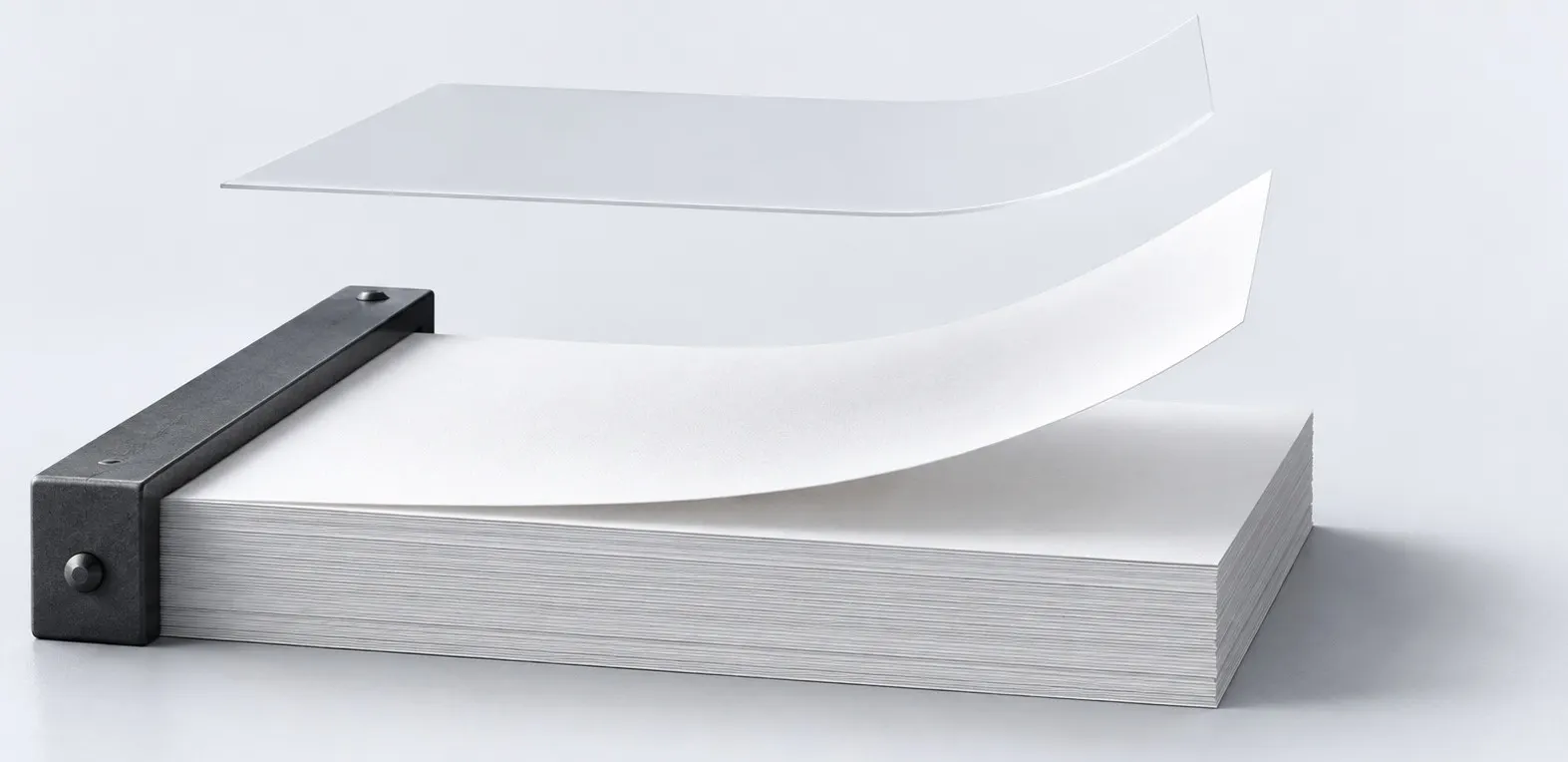
The mode sets the depth of accounting: the first needs only items and warehouses, the second adds batches, cells, processing stages and full cost. Both run on the same tables, so moving up means changing a setting, not migrating data.
Enough for a trading company and small assembly
- Items, groups, several warehouses
- Valuation at weighted average cost
- Simple reservation
- Flat product structure and production order
Needed where batches, cells and processing stages appear
- Batches, serial numbers, shelf life and FEFO
- Bin locations, barcodes, data collection terminal
- Multilevel bills of materials, routing cards, work centers
- Full cost with labor, equipment and overheads
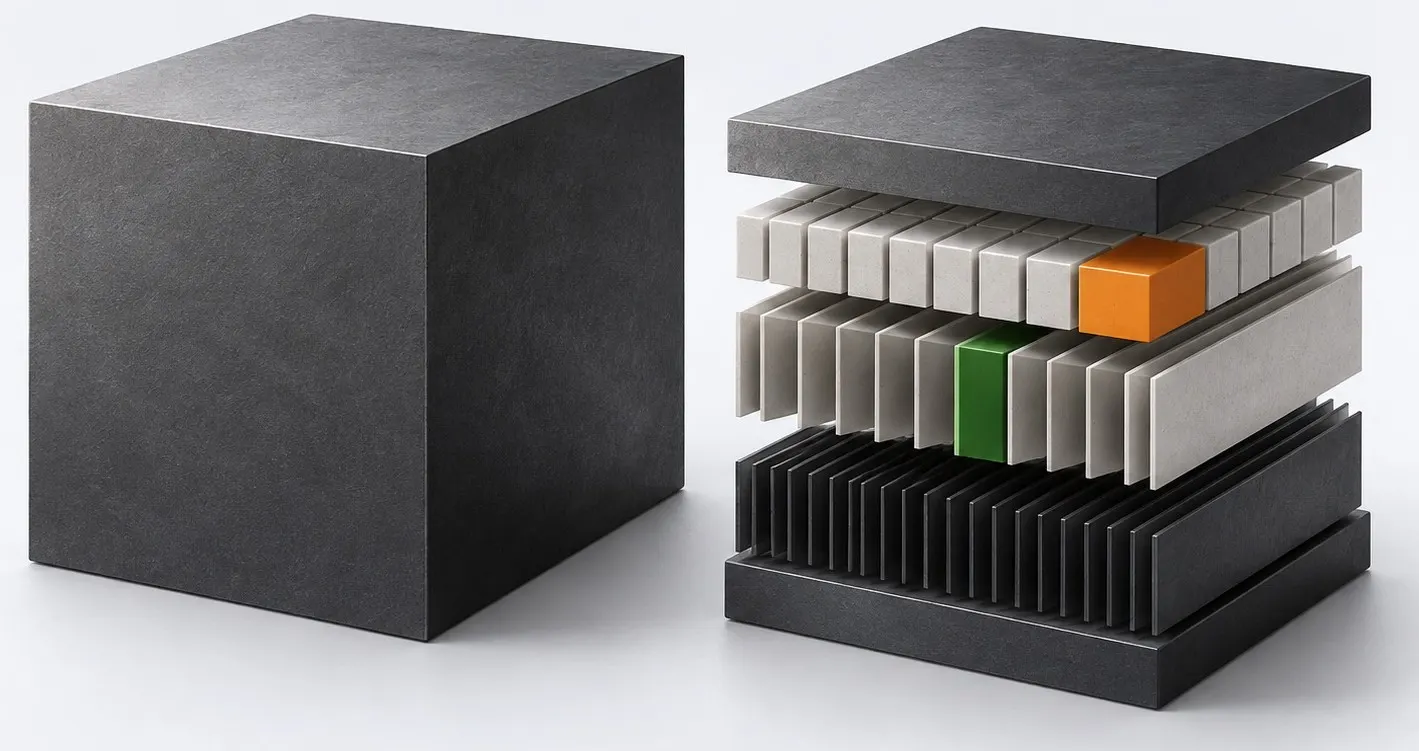
Going back is allowed only if there is no data created by Mode 2 features. The system shows the specific obstacles, not a general refusal.
Start in a day, not a quarter
You do not need an implementation project to try it. A checklist guides you through the first steps, demo data shows the product on live documents, and catalogs are loaded from a file.
How to start- Demo data is created and deleted with one button
- Items, counterparties and prices from CSV using a template
- Document lines are pasted from Excel
- Organizations and employees are already in A3.ID
The cluster does not do others’ work
Accounting, HR, sales and contracts live in their own ecosystem products. The cluster exchanges events with them under explicit contracts and does not duplicate their catalogs.
- A3.AccountingJournal entries, taxes, overheads, fixed assets
- A3.SalesCustomer orders and changes to the available quantity
- A3.HRRates, qualifications and work schedules for piece-rate pay
- A3.TrustReliability check of a new supplier
- A3.LawyerSupplier contracts and claims for discrepancies
- A3.DriveAttachments to documents and catalogs
- A3.EDMSigning waybills, acts and orders
- A3.IDOrganizations, access and active modules
Shall we start with the warehouse?
Warehouse and purchasing cover the accounting of a trading company and work on their own. Production and planning are enabled later, on the same data.